
When to use it
Every business or officer meeting. Instead of typing minutes into a Word doc that lives on one officer's laptop, the Recorder builds the record where the council's data already is: attendance carries over from meeting check-ins, the officer slate pre-fills, and motions become a searchable history. Approve the minutes to lock them; reopen later only to make a correction the way the council amends the minute book.
Step by step
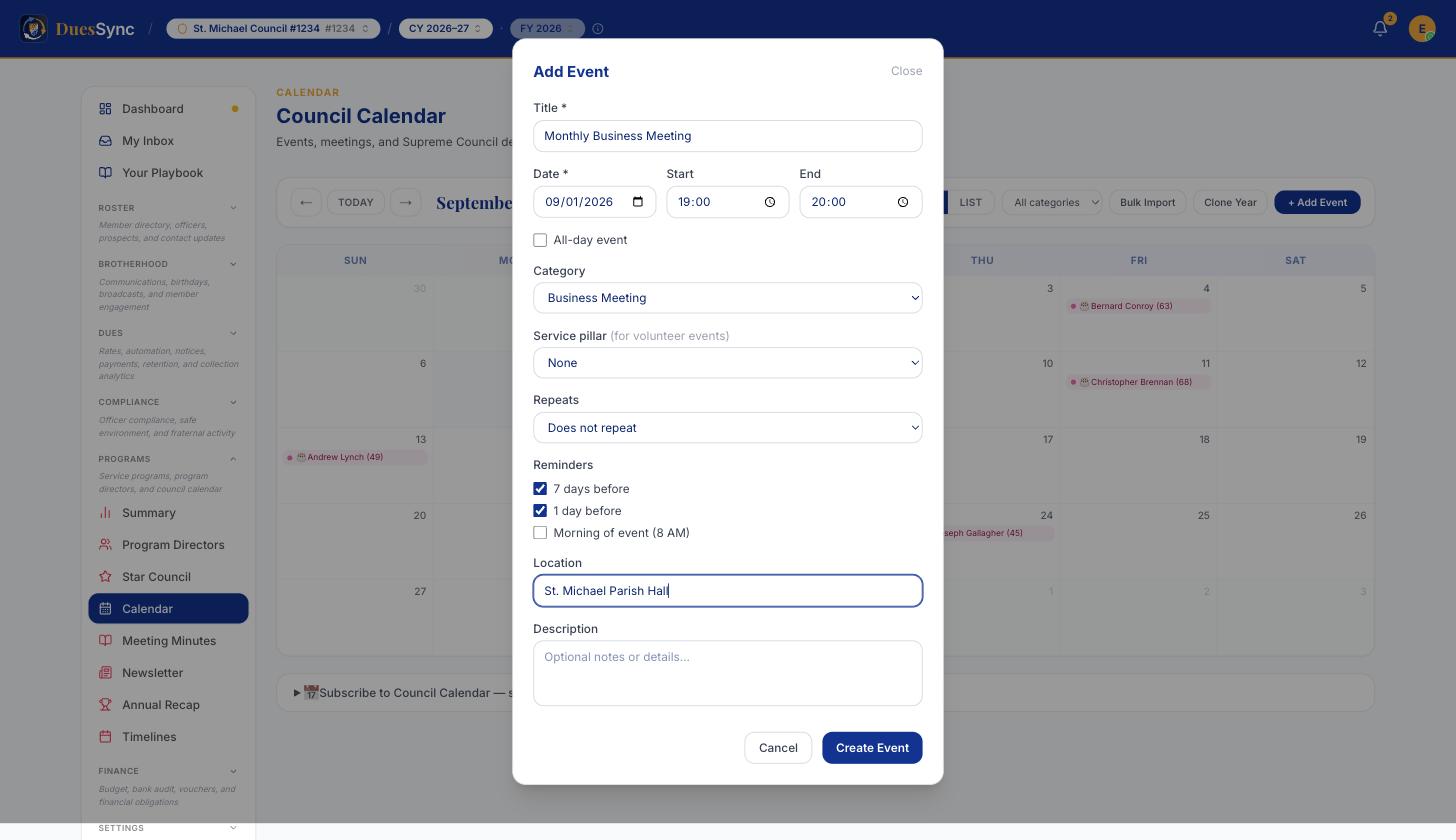
- Put the meeting on the calendar first. Minutes hang off a meeting on the council Calendar, so open Programs → Calendar, click + Add Event, and set the Category to Business Meeting (or Officer Meeting). If your meetings repeat monthly, set Repeats once and every month appears on its own.
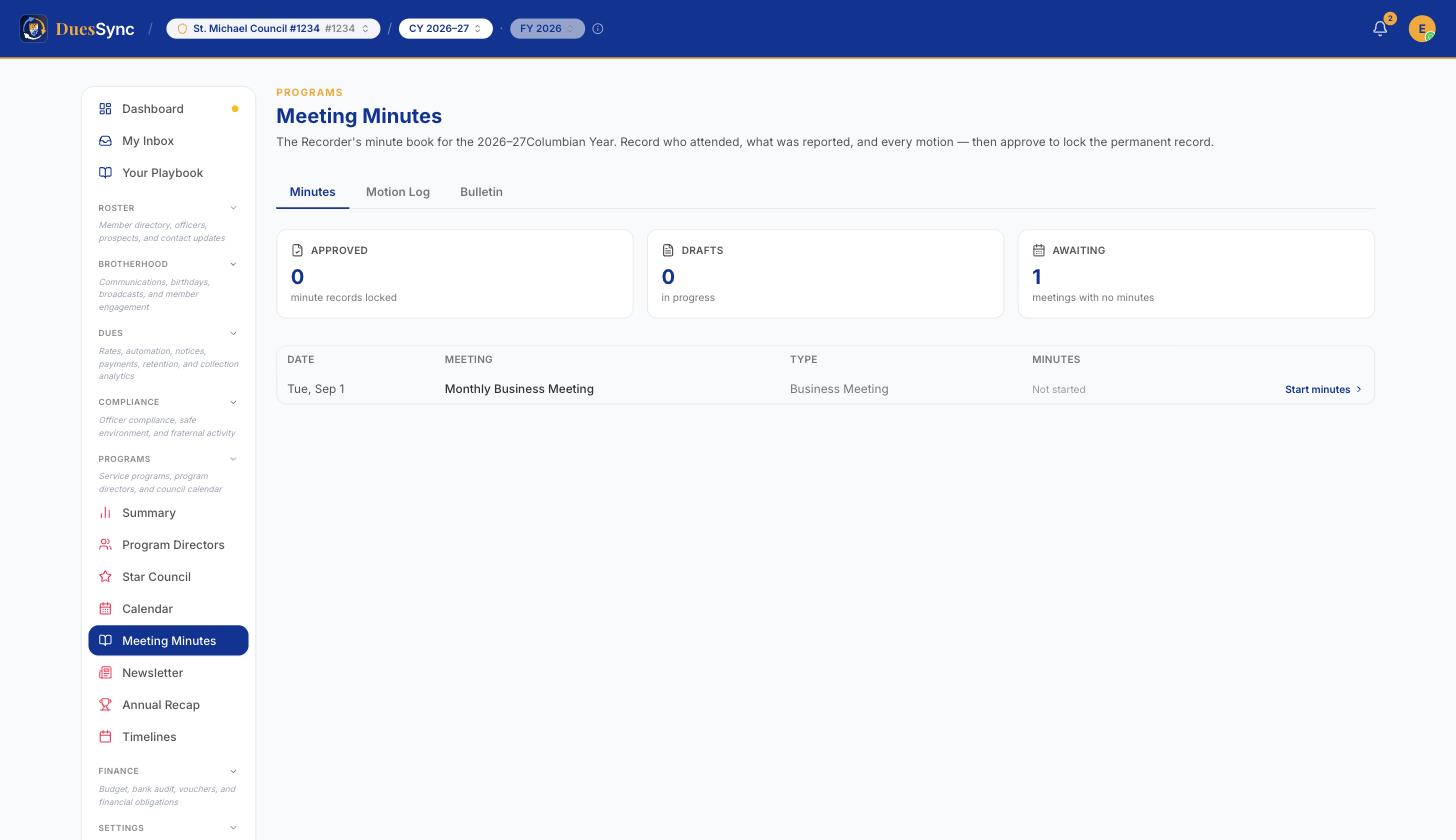
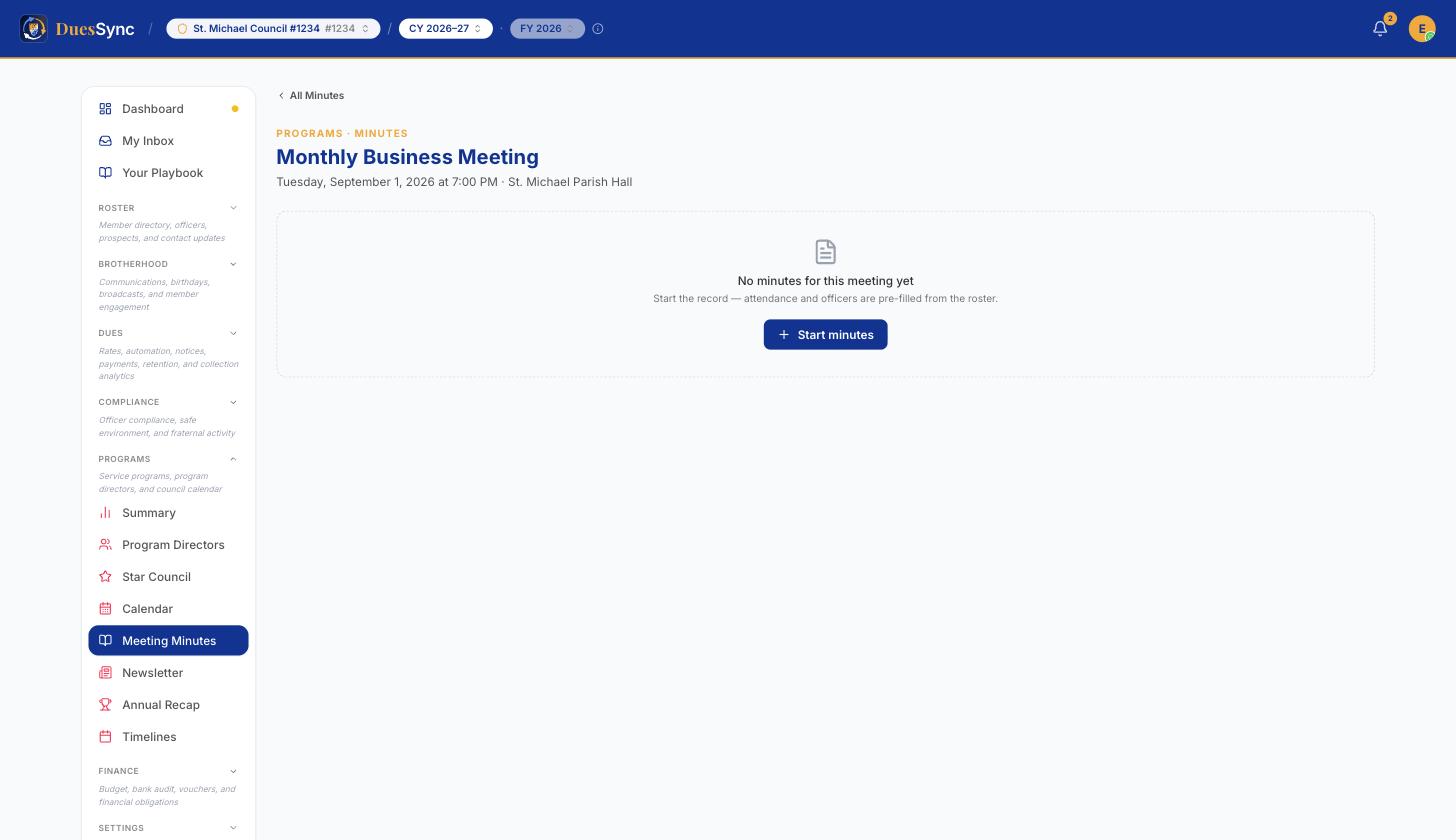
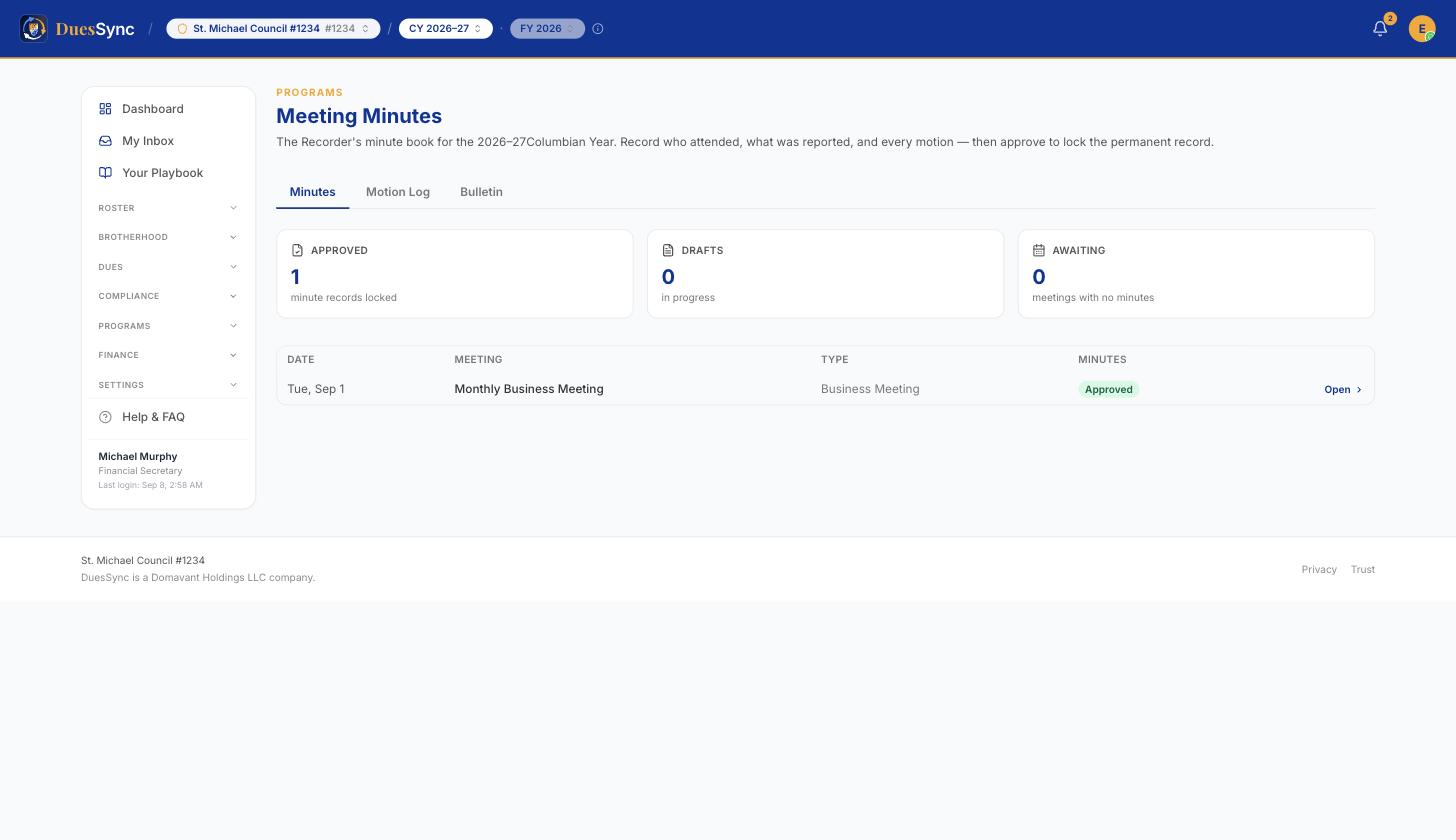
- Open Programs → Meeting Minutes. Every business and officer meeting for the Columbian Year is listed with its status: Not started, Draft, or Approved. Click Start minutes on the meeting you want.
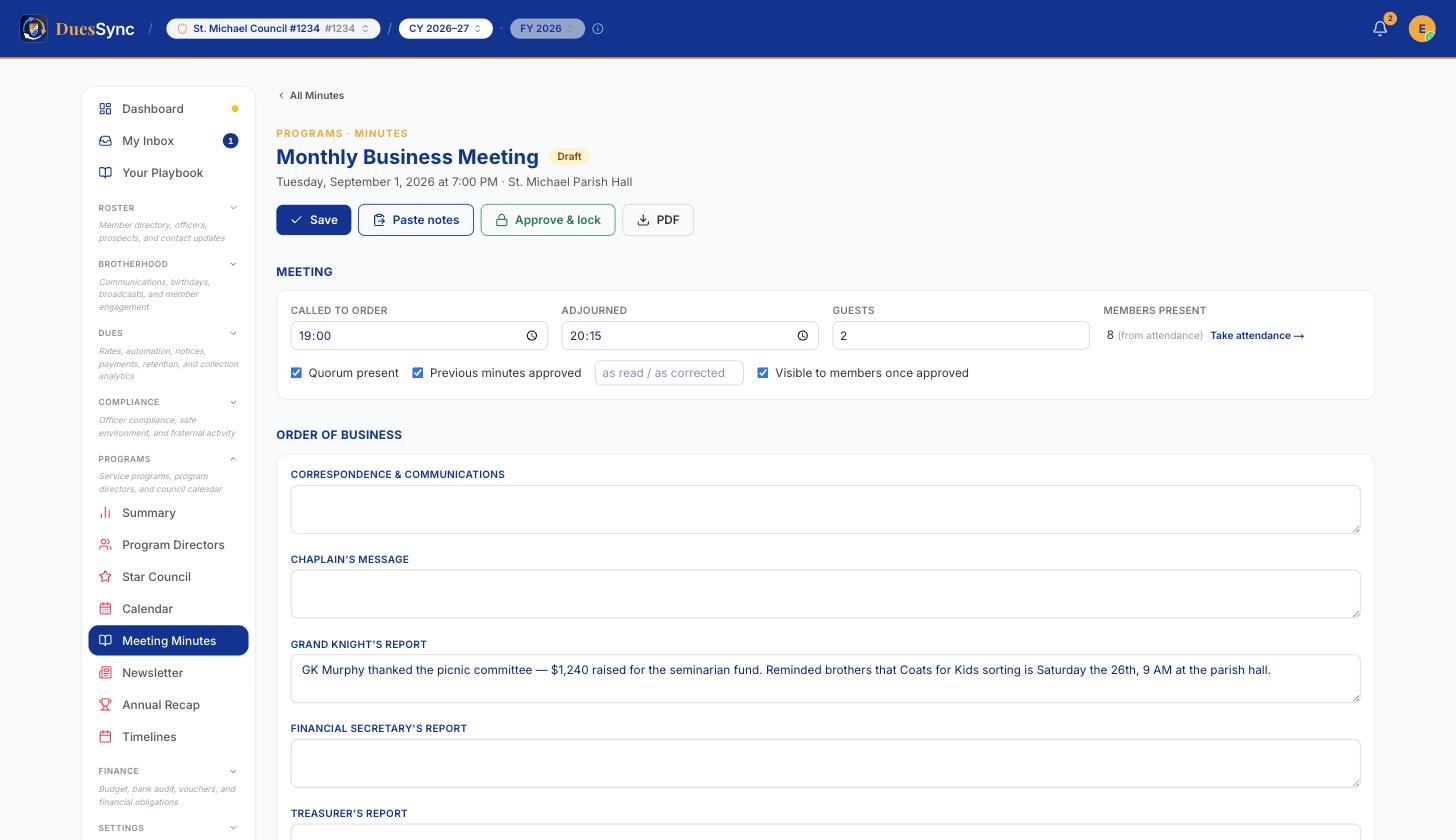
- Set the meeting mechanics in the Meeting card — called to order and adjourned times (in the council's timezone), guests, quorum, and whether the previous meeting's minutes were approved (as read or as corrected). Visible to members once approved is on by default; turn it off for a sensitive session.
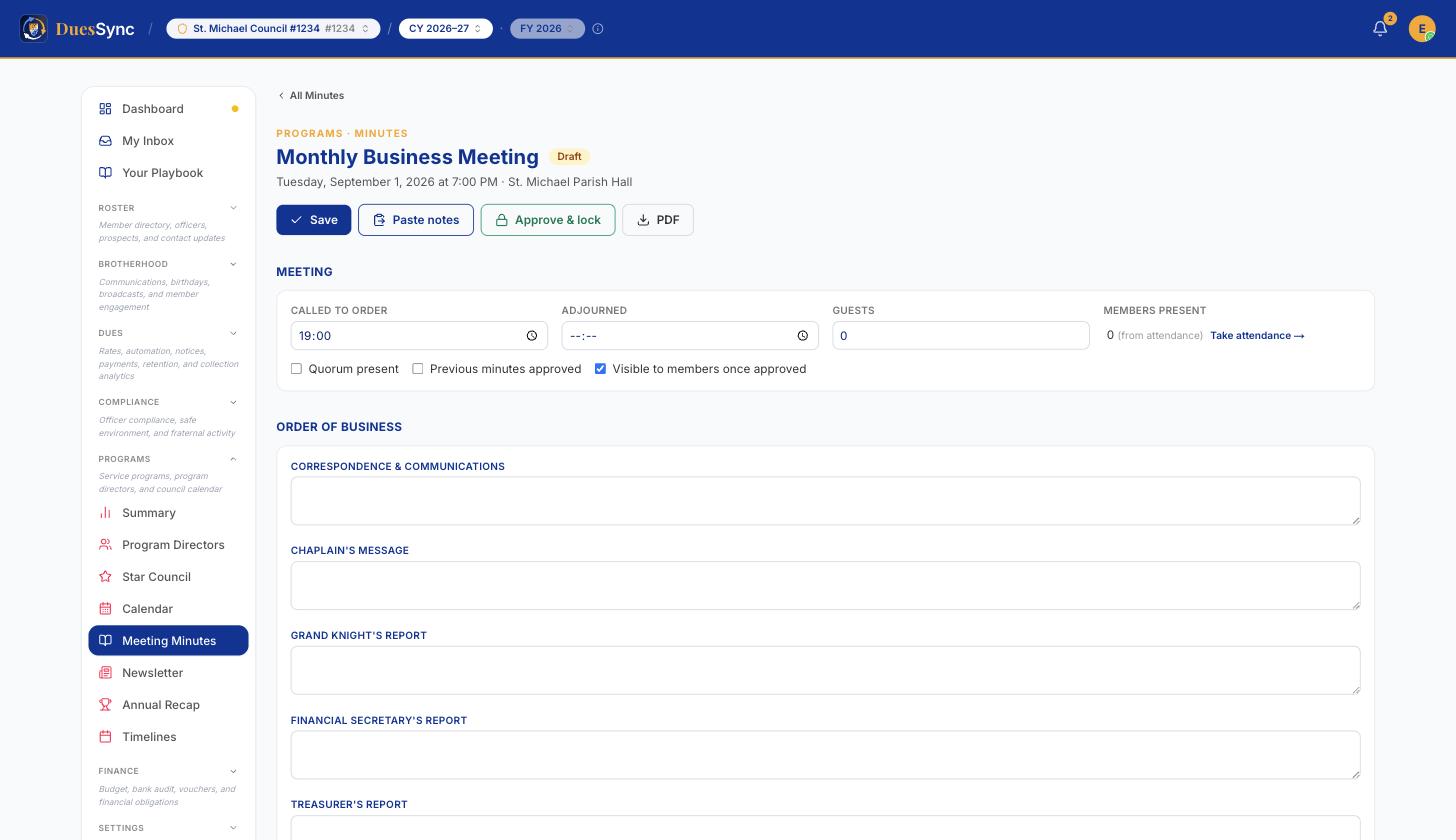
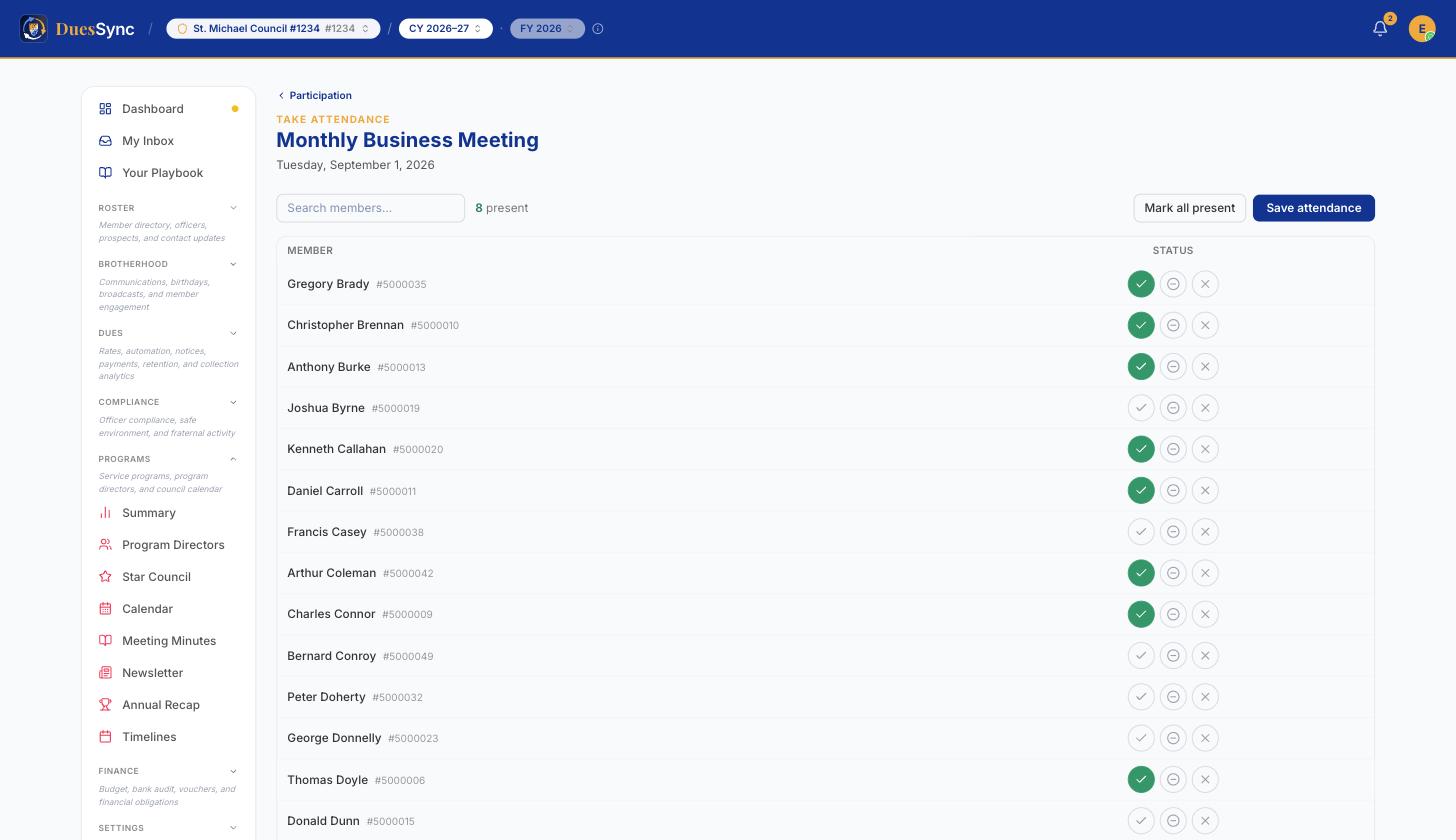
- Members present is read live from attendance, not typed. Click Take attendance → beside it to call the roll — tick each brother present, then Save attendance — and come back; the count updates. The Recorder, Financial Secretary, Grand Knight and Deputy Grand Knight can all record attendance.
Check off Officers Present. This section appears once your officer roster (Form 185) has been filed in DuesSync; it lists the current slate so you tick names instead of typing them.
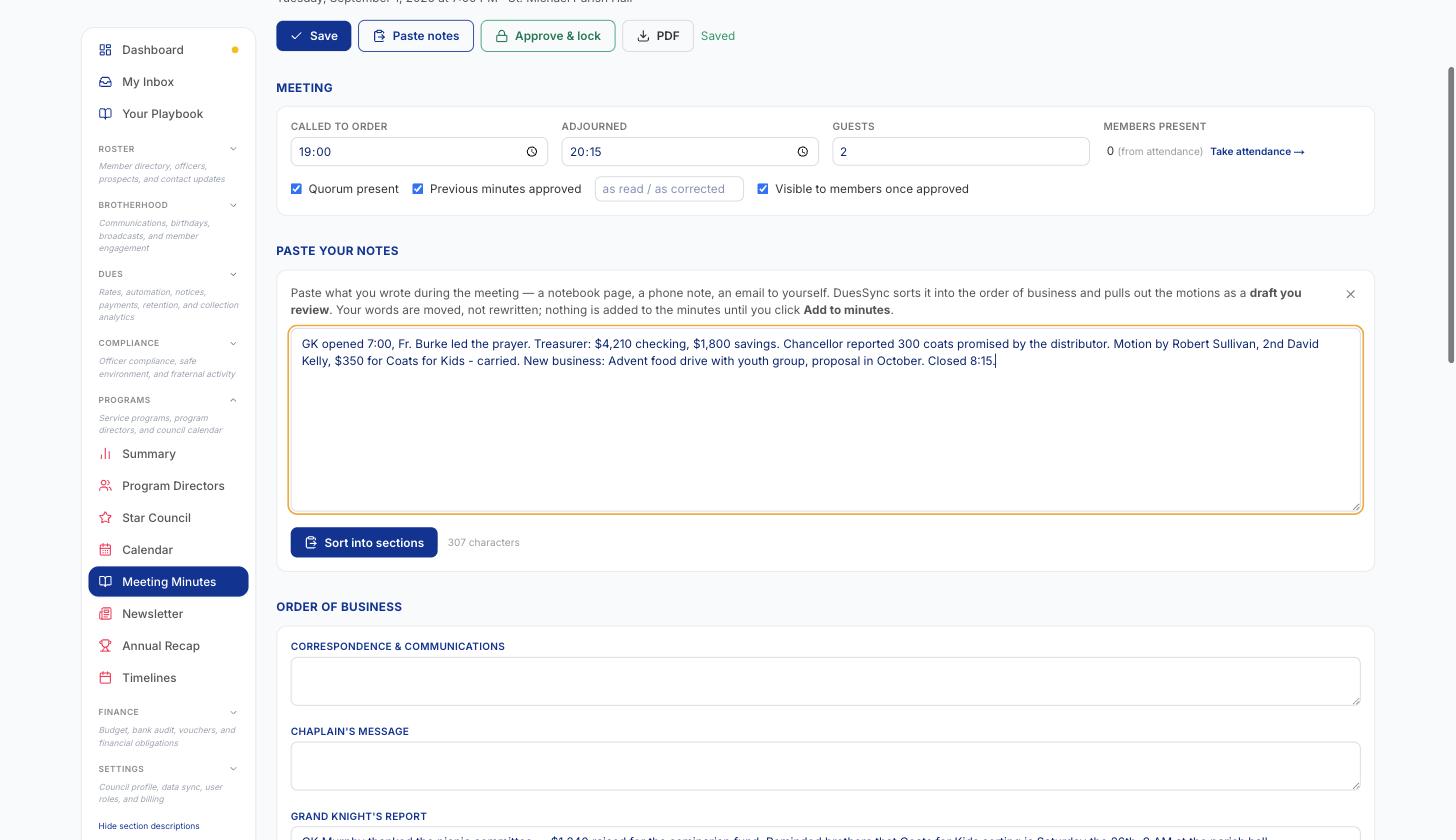
Fill in the order of business sections you need — correspondence, Chaplain's message, officer reports, admissions, program reports, unfinished and new business, District Deputy and Field Agent reports, Good of the Order, Lecturer's reflection. Leave the rest blank; empty sections are simply left off the record.
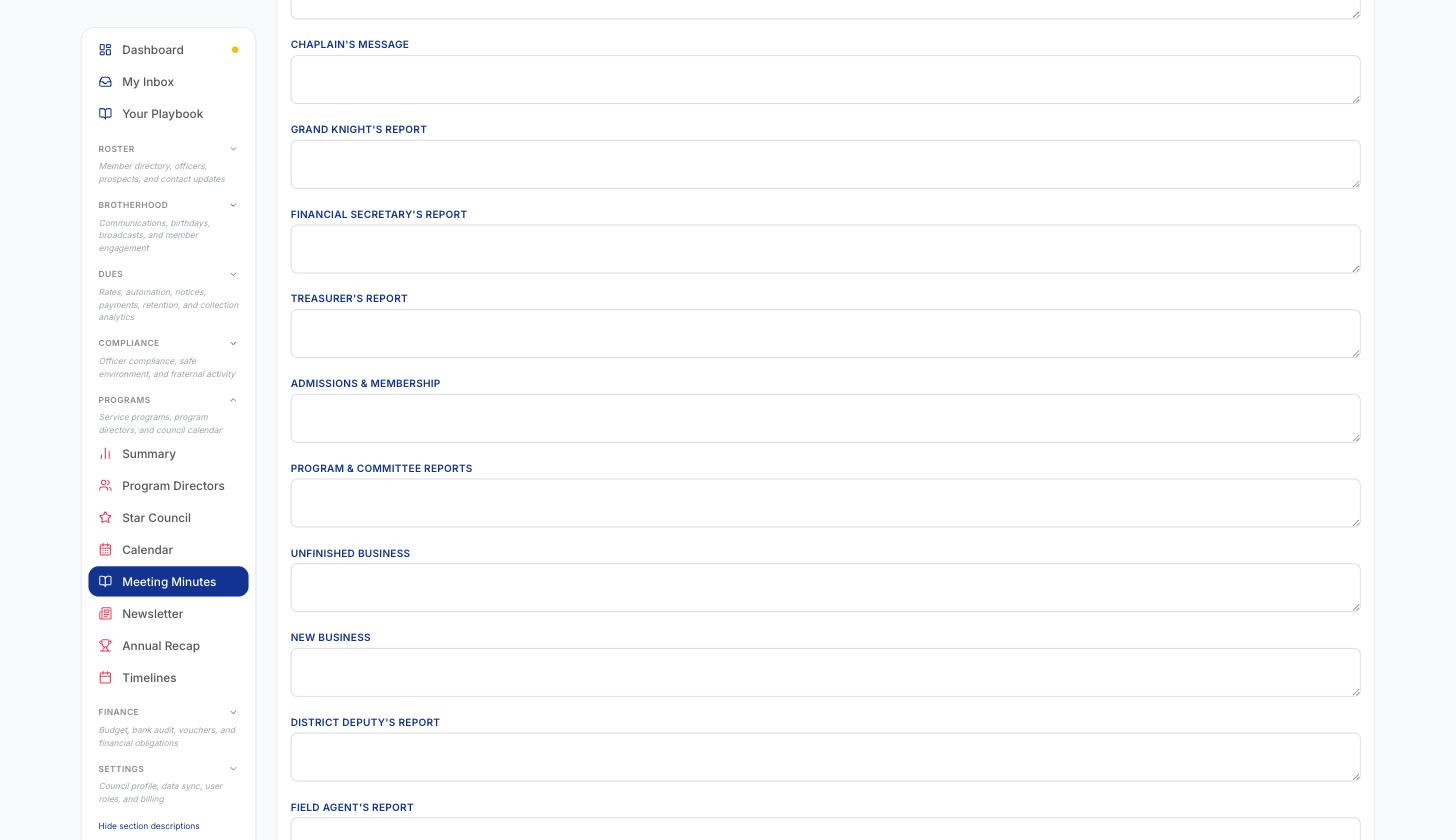
- Took your notes somewhere else? Click Paste notes, paste what you wrote during the meeting (a notebook page, a phone note, an email to yourself) and click Sort into sections. DuesSync places your words under the right order-of-business headings and lists the motions it found, as a draft you review first. Add to minutes appends them to the record (nothing you already typed is overwritten) and creates the motions; Back to notes discards the draft. Your words are moved, not rewritten — check names and dollar amounts before you approve, the same as you would with a typed record.
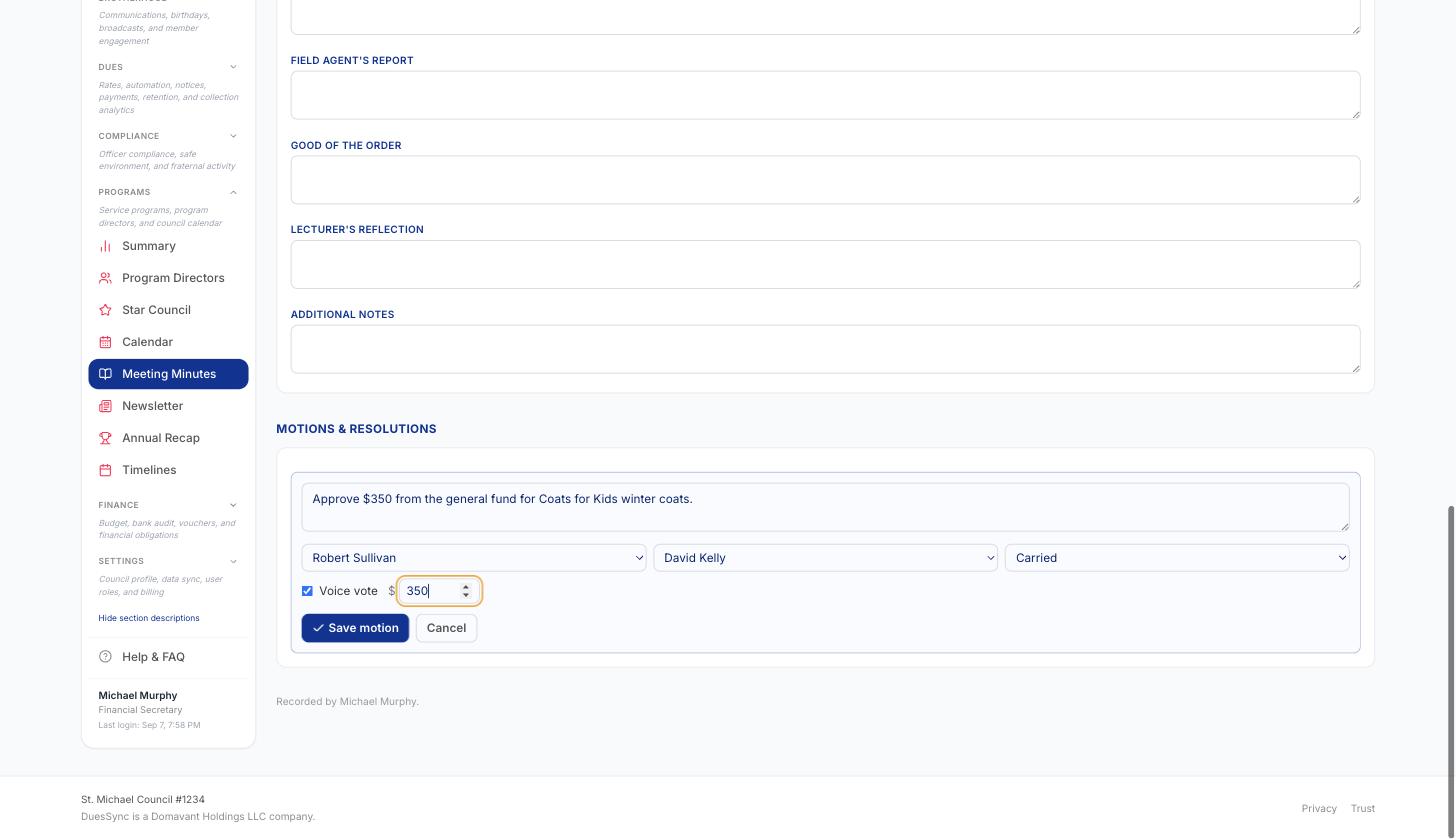
- Under Motions & Resolutions, click Add motion for each one: the text, who moved and seconded it (picked from the roster), the disposition (carried / failed / tabled / withdrawn / pending), a voice vote or a counted vote, and any dollar amount. Click Save motion.
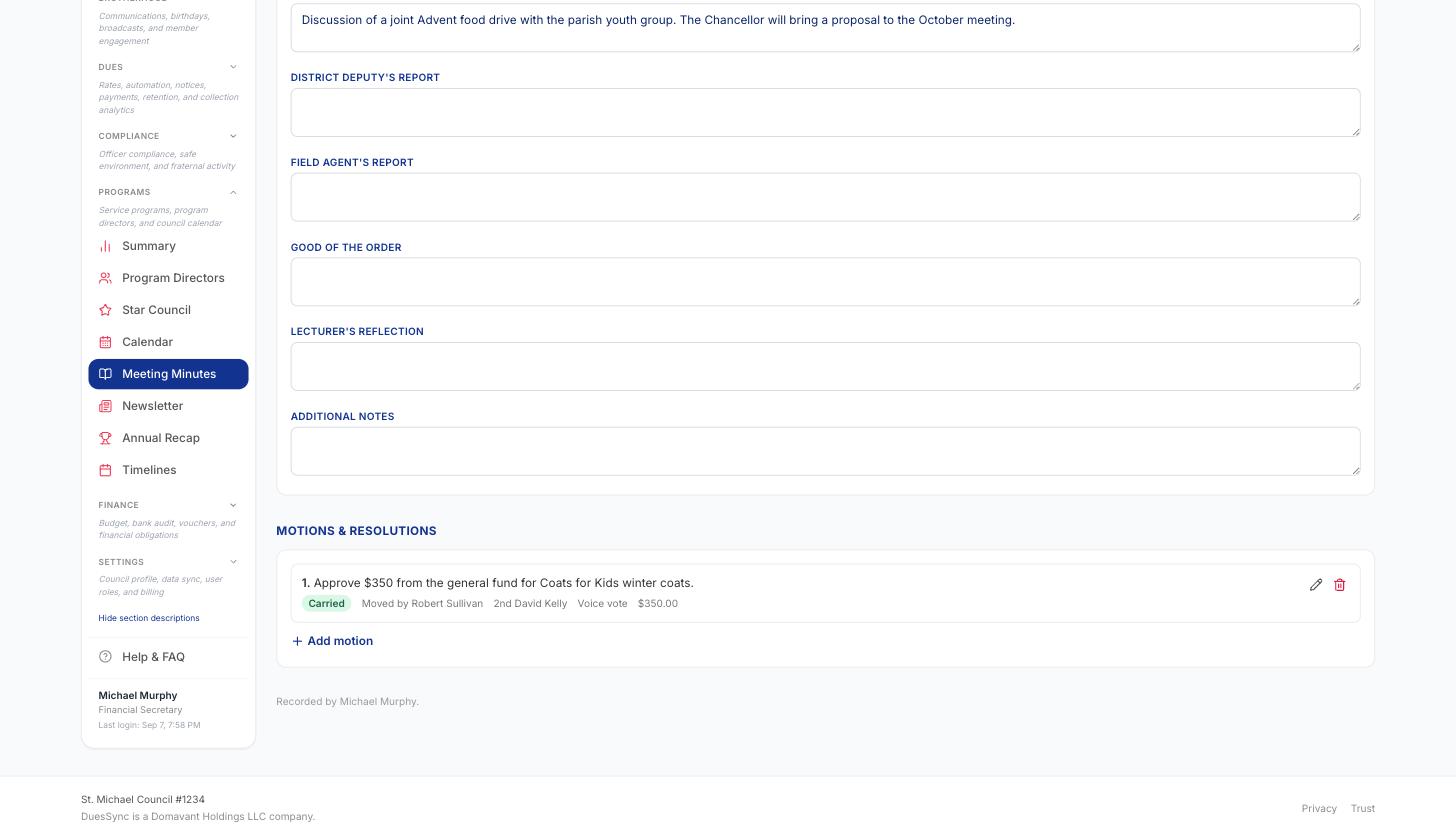
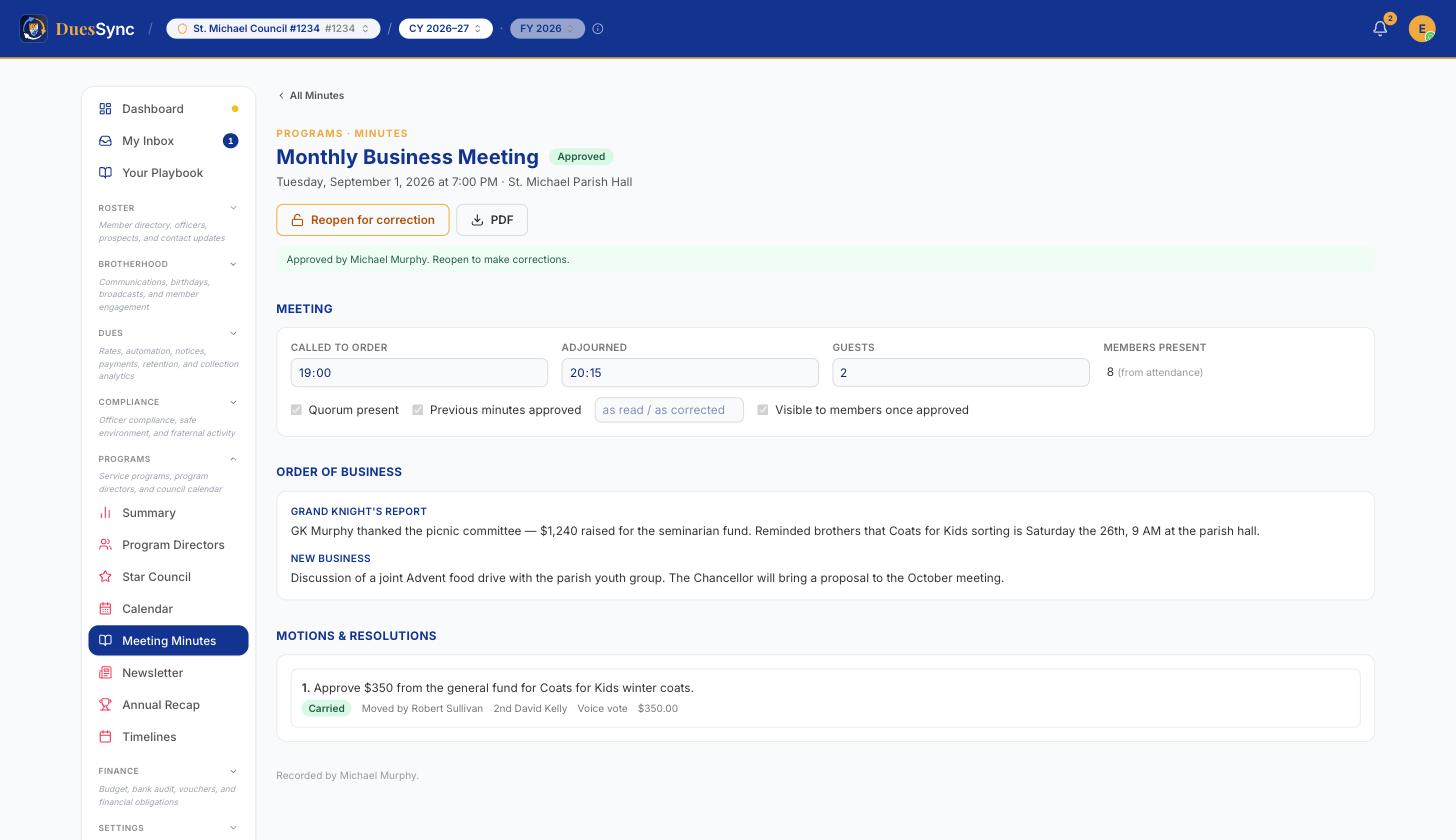
- Click Save as you go. When the record is complete, click Approve & lock — this stamps the approver, snapshots attendance, and freezes the record. The buttons change to Reopen for correction and PDF.
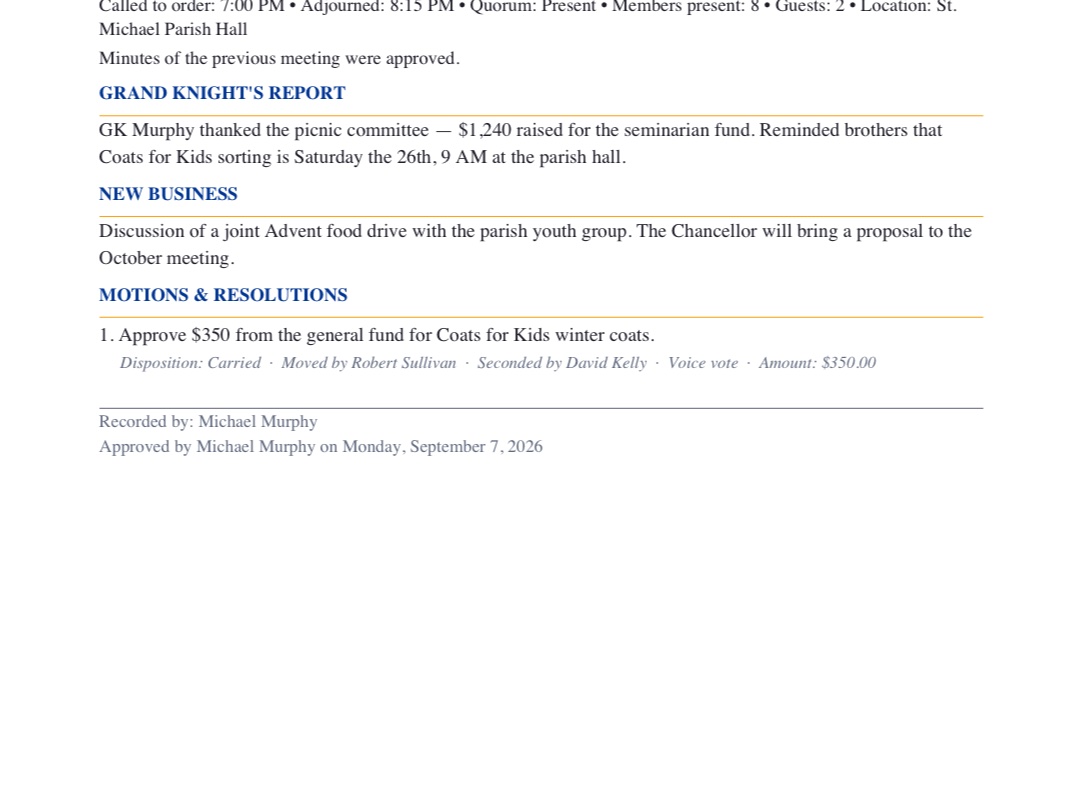
- Click PDF any time to download the minute-book page for the binder or the archive. Back on the list, the meeting now shows Approved.
Tips & gotchas
- No meetings listed? Nothing is wrong with Minutes — the calendar has no business or officer meeting for this Columbian Year yet. Add one (step 1) and it appears here.
- Approved minutes are locked. To fix something, click Reopen for correction — the standard "amend the minutes" path — then Save and re-approve.
- Attendance is the source for members-present. Take attendance for the meeting (from the minutes, Brotherhood → Participation, or member self check-in) and the count flows in automatically. Typing a number is not an option, by design.
- Motions carry a name snapshot as well as a member link, so the record stays accurate even if a member is later merged or removed. Every motion also lands in the Motion Log tab, searchable across the year.
- Visible to members controls whether an approved record is readable by members in the app; leave it on for transparency, or off for a sensitive session.
- Paste notes needs the raw text, not a photo — type or dictate your notes into your phone during the meeting and paste them in afterwards.
- Minutes attach to a meeting on the calendar — a meeting only appears here if it's a business_meeting or officer_meeting event. Supreme form deadlines and social events never get minutes.
Related
- See also motion-log
- See also council-bulletin
- See also council-newsletter
- See also calendar